
Running Ubuntu Containers with Hyper-V Isolation on Windows

Dustin Kirkland
on 13 September 2017
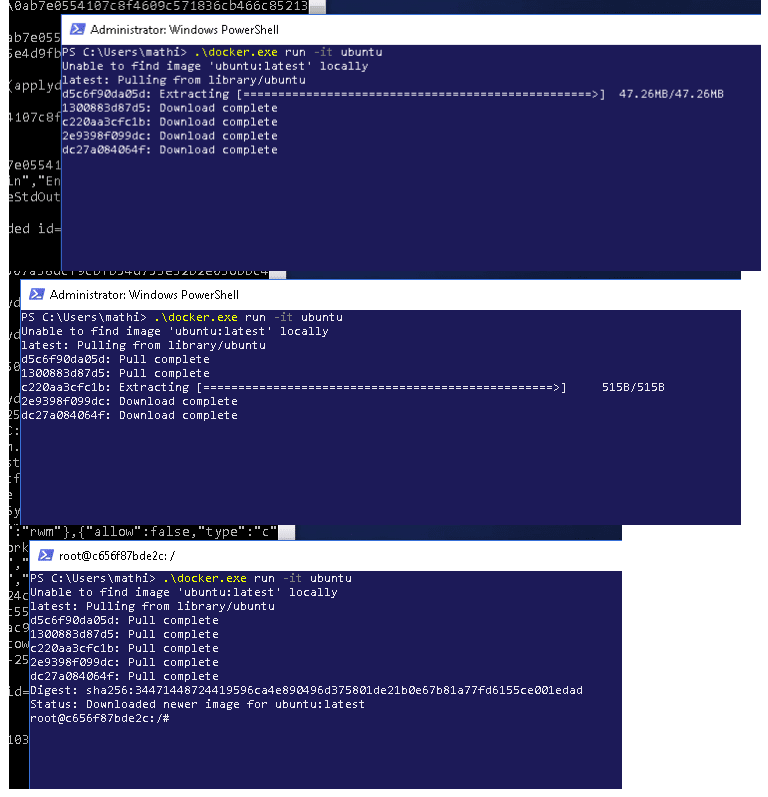
Canonical and Microsoft have teamed up to deliver an truly special experience — running Ubuntu containers with Hyper-V Isolation on Windows 10 and Windows Servers!
We have published a fantastic tutorial at https://ubu.one/UhyperV, with screenshots and easy-to-follow instructions. You should be up and running in minutes!
Follow that tutorial, and you’ll be able to launch Ubuntu containers with Hyper-V isolation by running the following directly from a Windows Powershell:
-
docker run -it ubuntu bash
Cheers!
Dustin
Talk to us today
Interested in running Ubuntu in your organisation?
Newsletter signup
Related posts
Anbox Cloud on C4A metal: Android, at scale, without friction
Why C4A metal is a great place to run Android and why Anbox Cloud makes that practical. If you’ve spent even a small portion of time working with Android...
Canonical announces live kernel patching for Arm64
Canonical Livepatch now officially supports Arm64, further expanding its security patching automation capabilities. For the first time, Ubuntu on an Arm64...
How to use RISC-V custom instructions with Ubuntu
Introduction My previous blog talked about the importance of instruction set standardization for ecosystem stability and growth through the use of profiles....